
UtilitiesTools

Color

Pick, name, convert and check colors.

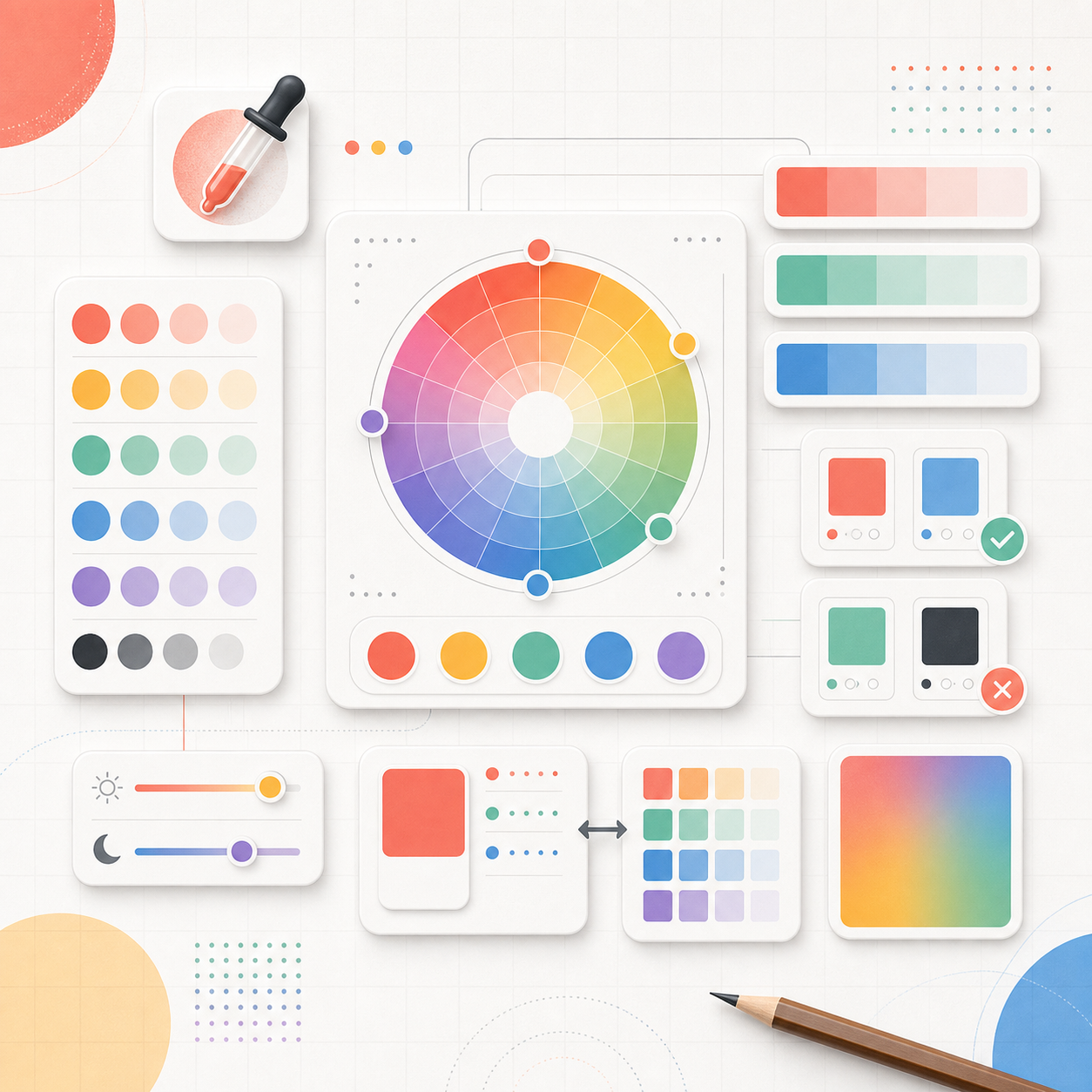
Color tools take the guesswork out of working with color on the web and in design. Convert a HEX code to RGB or HSL, pick a shade visually and copy its exact value, find the name of a color, or check that two colors have enough contrast to stay readable and accessible. They are built for front-end developers translating a design into CSS, designers building a palette, and anyone making sure text passes WCAG contrast requirements. Every conversion happens instantly in your browser with no uploads and no sign-up. Use the HEX to RGB converter to drop values straight into your stylesheet, a color picker to grab the perfect shade, or a contrast checker to confirm your UI is legible for everyone. Free, fast, and made to give you a copy-ready answer in seconds.
5 tools

All tools →
Color Namer Paste, pick, or eyedrop any color and instantly learn its real name, color family, and the vocabulary to describe it. Color Names Browse a gallery of 4,930 named colors grouped by family (reds, oranges, greens, teals, blues, purples...), tap any swatch to copy its hex, and learn the vocabulary behind the names. Color Picker From Image Upload or paste any image, click a pixel, and instantly get its HEX/RGB/HSL value, the name of that color, and an auto-extracted palette — all in your browser, image never uploaded. Contrast Checker Enter a text color and a background color and get the exact WCAG contrast ratio plus a live AA/AAA pass/fail verdict, with a real preview of the text on that background. HEX to RGB Converter Paste a HEX, RGB, or HSL value and get the other two formats live in the same view, plus the color's nearest real name.

Browse other categories

← Home All tools